A rainy weekend at home was the perfect setup to finally kick off an experiment I’d been thinking about for a while. I wanted to see what it looks like to create a new WordPress site, completely from scratch, with a custom theme, using the tools I work on at Automattic: WordPress Studio and WordPress.com.
So I grabbed a cup of coffee, opened up WordPress Studio, and started to vibe code with only one rule: I wouldn’t touch or change any code. Pure vibe.
I created a site in Studio, opened the terminal from the Studio UI, and started Claude Code. This was my initial prompt:
This is a brand new WordPress site created in Studio. My goal is to create a personal site to host my blog. It should have a link to my GitHub page, a short about me section and the ability to link my projects. I want to go for a terminal-like style.
And this was the first result:
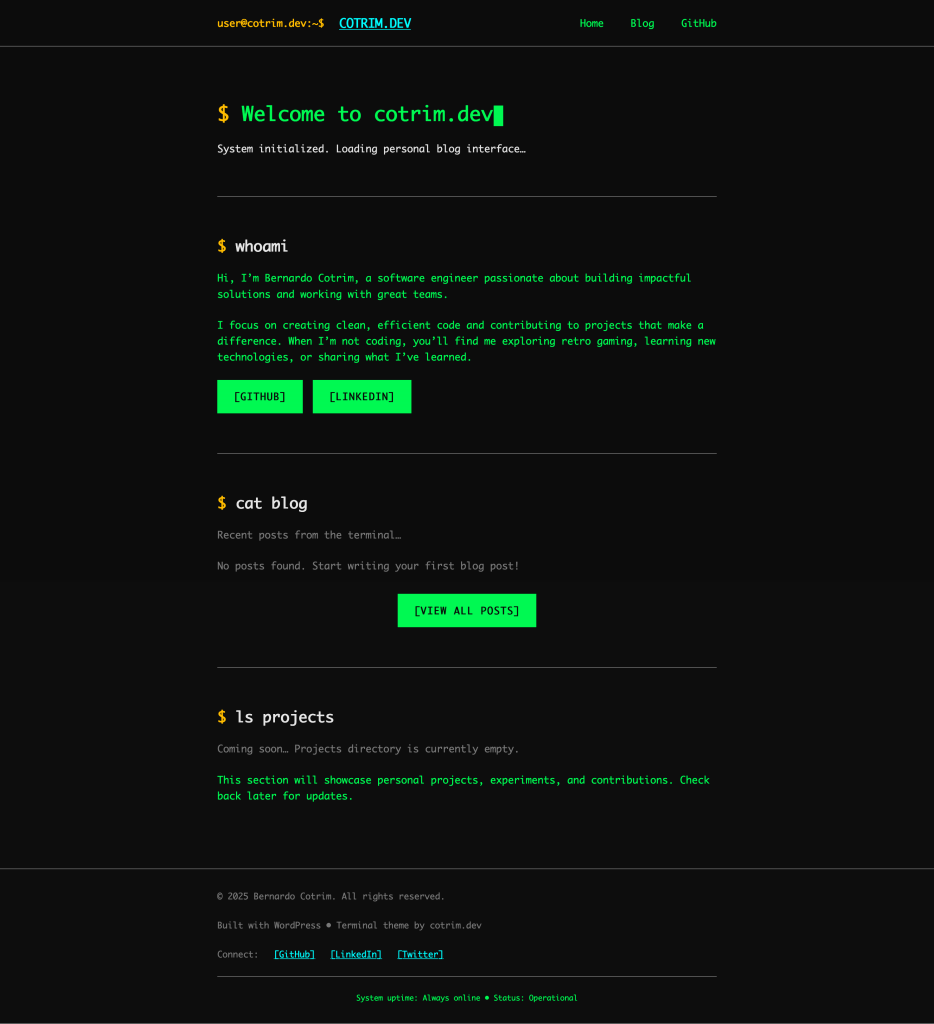
Not bad for a single prompt. Terminal aesthetic, monospace fonts, command-style headings, the bones were there. Now came the iteration.
Building the Site
From that first prompt, I kept iterating. Some things worked on the first try, others needed a few rounds of feedback. These were some of the different versions and steps I iterated on:

Adjust title to be `guest@cotrim.dev` 
Adjust footer links section to match header 
/blogs page shows not found 
Fix the blogs page to have blogs navigation 
Create a not found page to match the page template 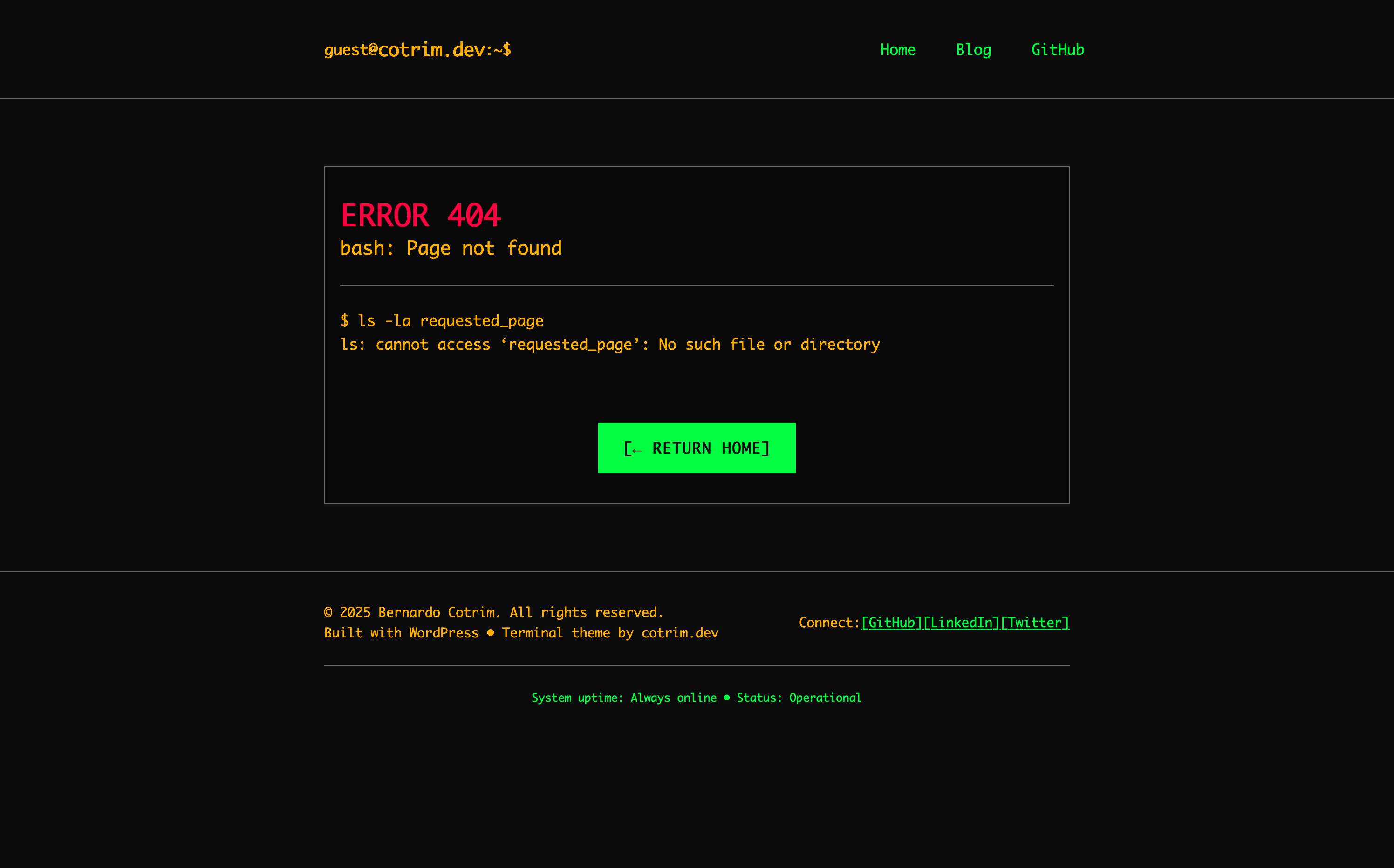
404 – Final version 
wp-admin side effects 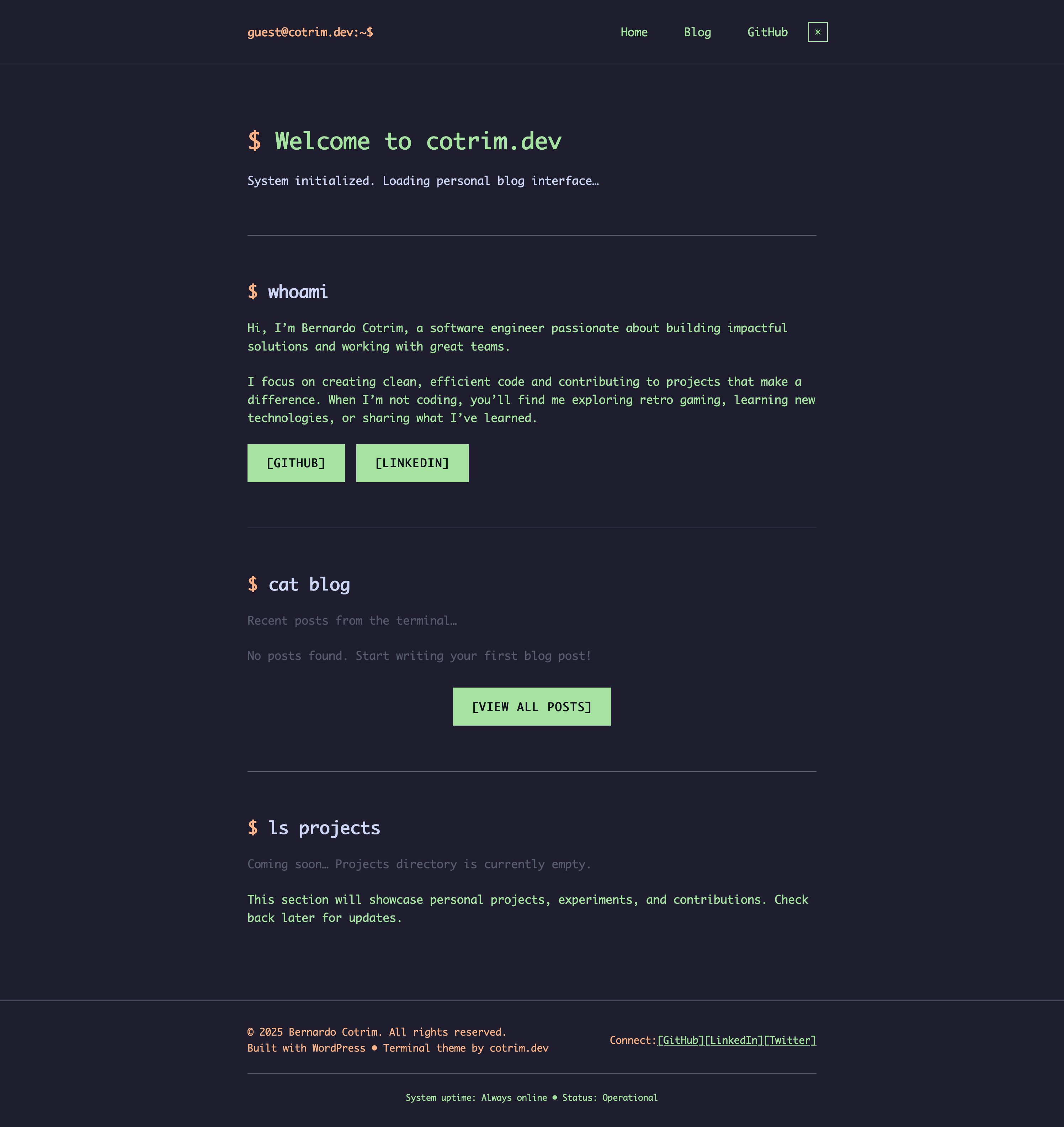
Adding Catppuccin Theme – Dark 
Adding Catppuccin Theme – Light 
Fixing colors for a11y – Dark 
Fixing colors for a11y – Light 
Adjusting the blog pages – initial version 
Adjusting the blog pages – final version 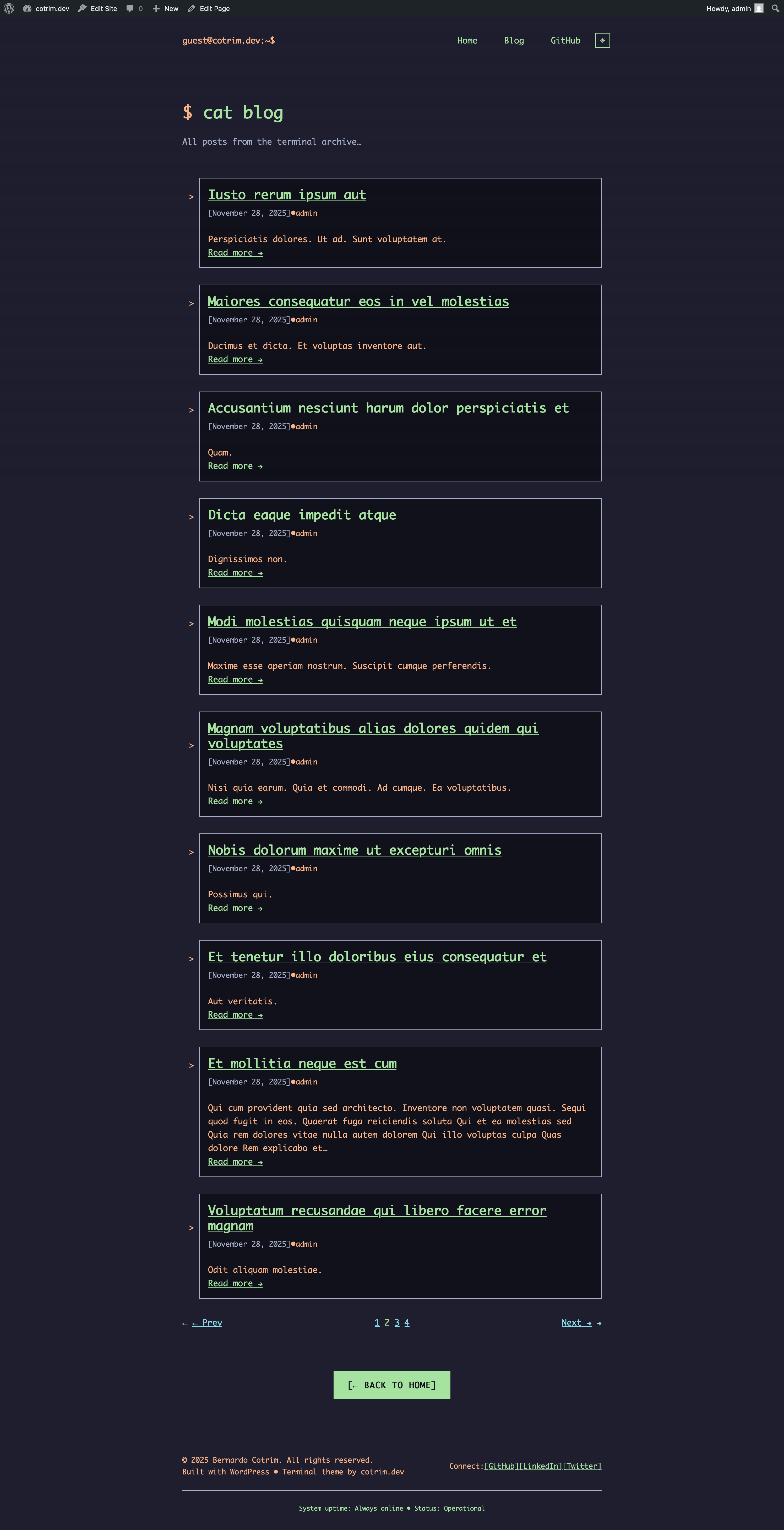
Adjusting the blogs page 
Adding projects
What worked immediately
The terminal aesthetic, theme structure, dark/light mode toggle, and the color palette all came together quickly.
Where I pushed back
Light mode contrast took 3-4 rounds. The original colors looked fine but failed accessibility checks. I just kept saying “still hard to read” until it got there. The theme toggle positioning and pagination centering also needed explicit feedback. Sometimes you just have to say “it’s still not centered” and let it try again.
Going Live
Testing with Studio preview sites
Throughout the build, I used Studio’s preview sites to test on real devices and get feedback. Preview sites create temporary URLs that expose your local site to the internet, no deployment needed.
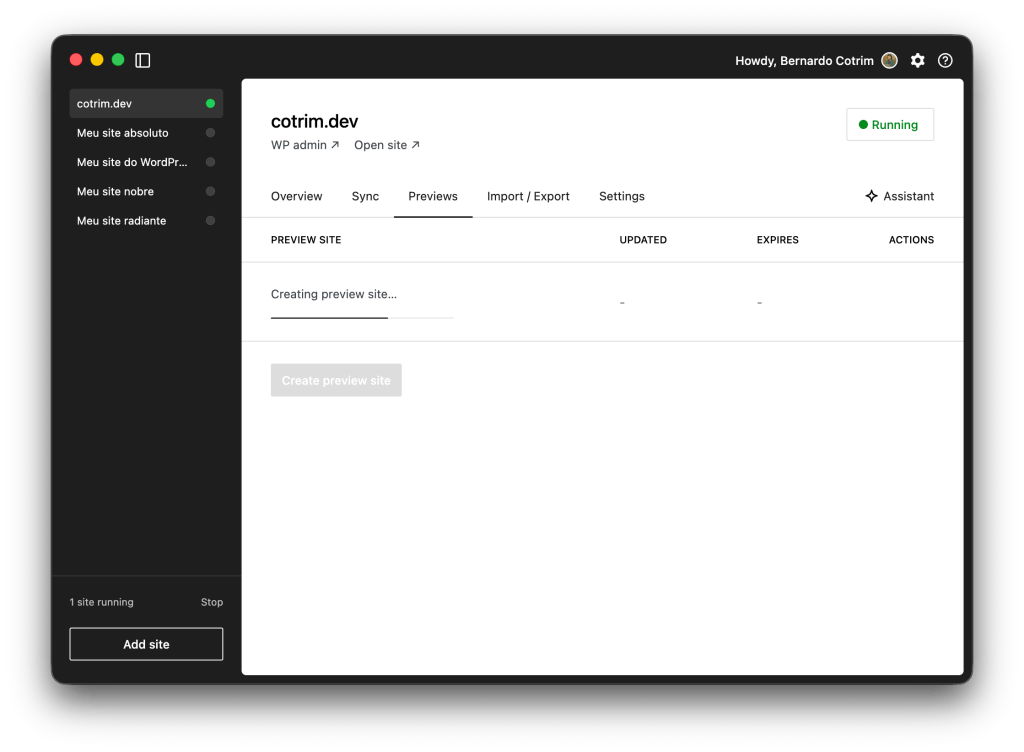
This is how I caught the broken mobile menu. Looked fine on desktop, completely broken on mobile. I also shared the preview link with friends and family to get their reactions before going live.
Previews site are one of the most loved features in WordPress Studio, and I could experience exactly why!
Deploying to WordPress.com
For the initial launch, I used Studio’s sync feature to push the site directly to WordPress.com. Using the selective sync I was able to only push my theme instead of everything I had in my local site.

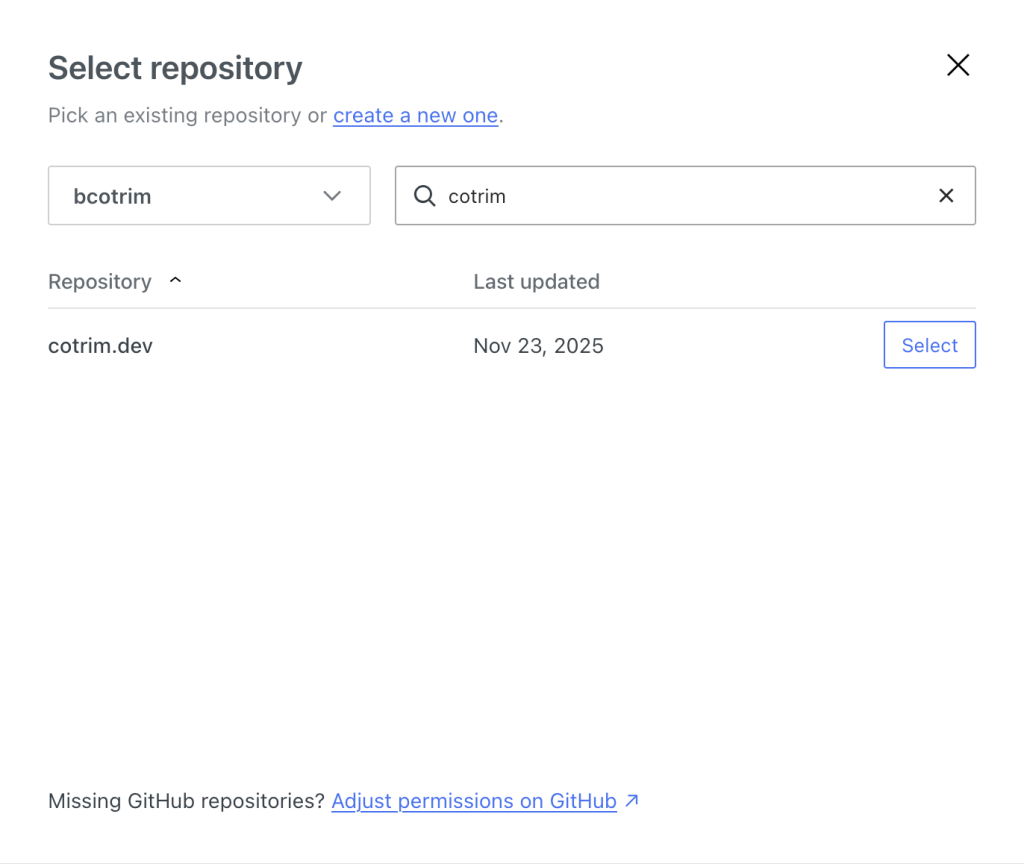
As I kept iterating on the theme, I wanted a more automated workflow. I created a local Git folder, moved my theme there and symlinked to Studio /plugins folder. I created a GitHub repo and set up GitHub Deployments. Now every push to main automatically deploys to cotrim.dev.


Conclusion
What shipped:
- Custom WordPress block theme with terminal aesthetic
- Dark/light mode toggle
- Blog with pagination
- Projects section
- Custom 404 page
- Deployed to WordPress.com via GitHub
Vibe coding works, but you’re not just watching. You steer, you push back, you catch the things AI misses like accessibility and mobile edge cases.
The meta moment: you’re reading this post on the site that was built this way.
Links
- cotrim.dev — the site
- GitHub repo — the theme repository
- WordPress Studio — local WordPress development
- Claude Code — the AI tool used
- Catppuccin – the color theme